v0.8 - 2021.10
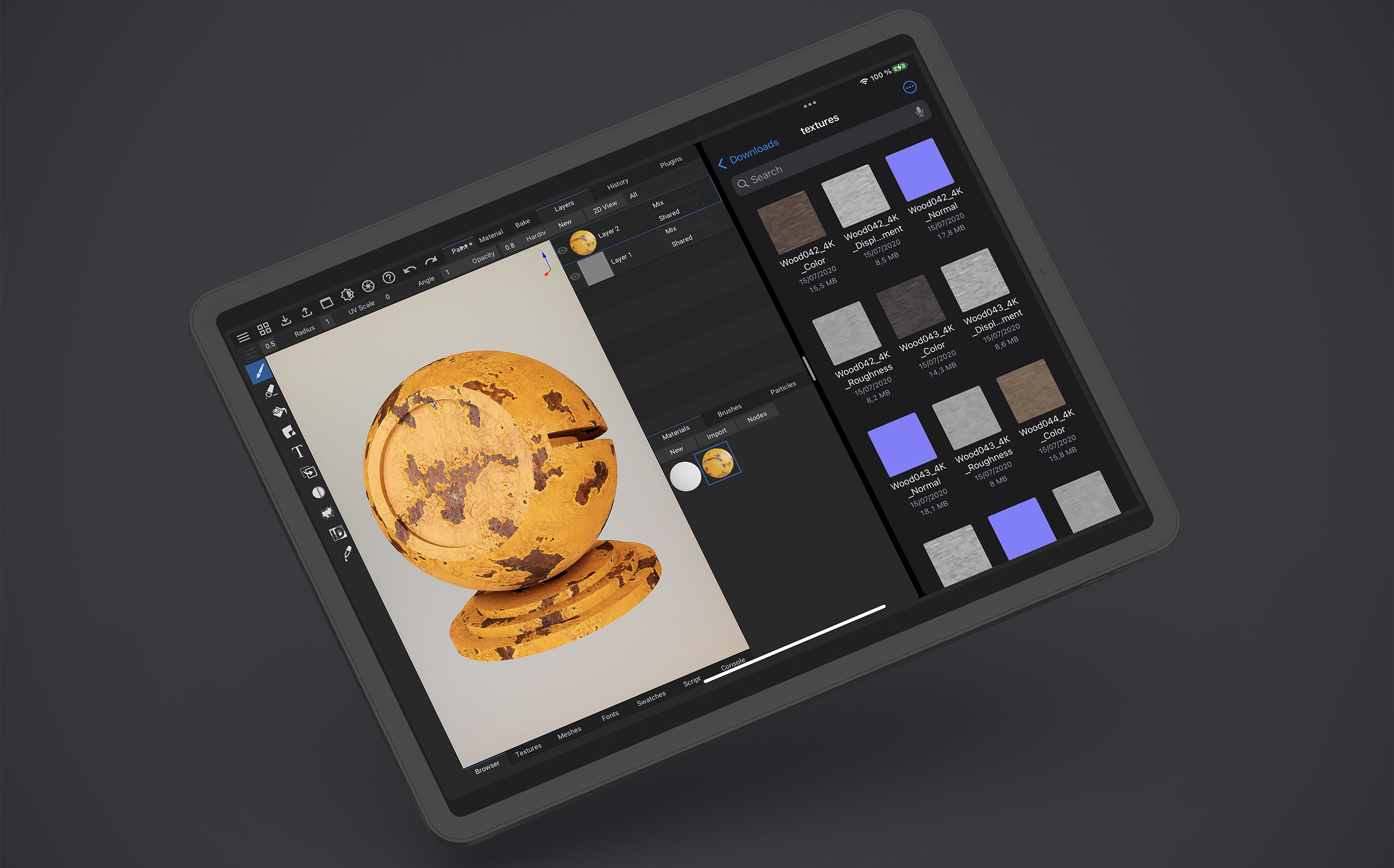
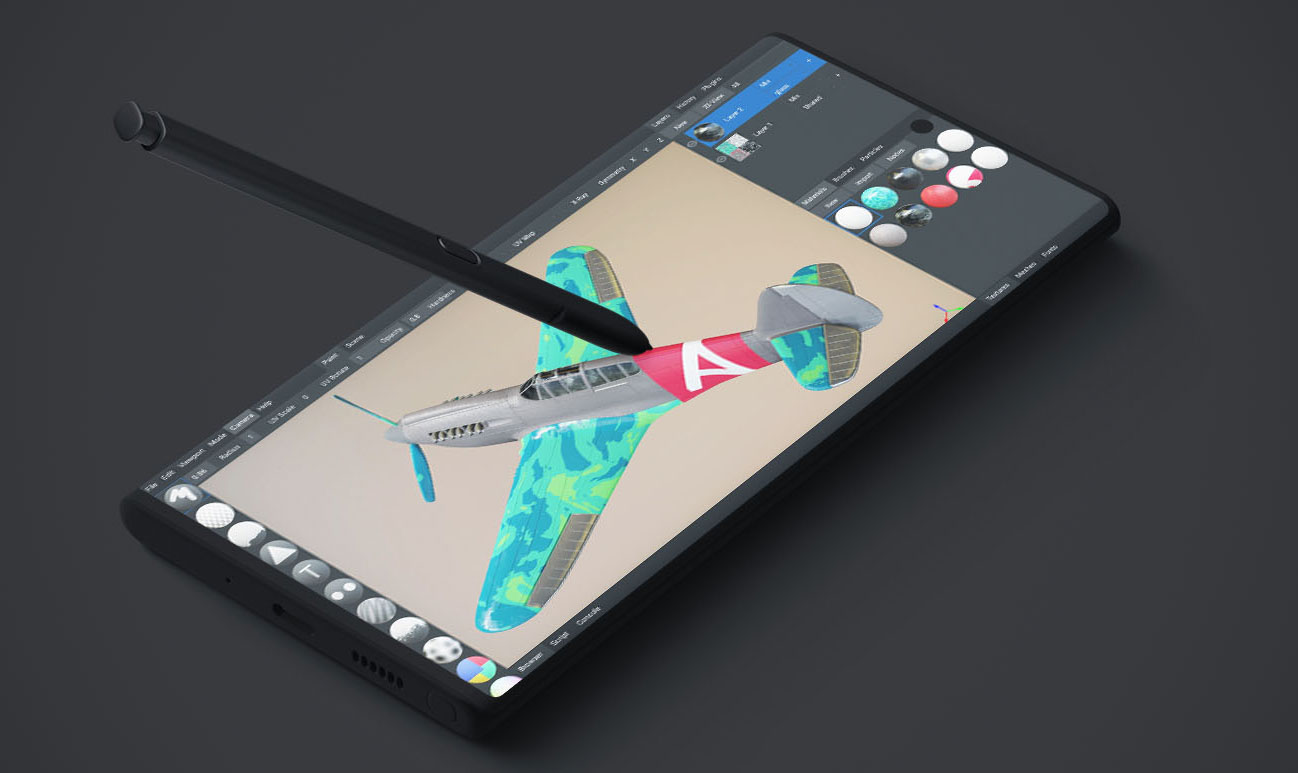
ArmorPaint 0.8 is now available on desktop, iPad and Android!
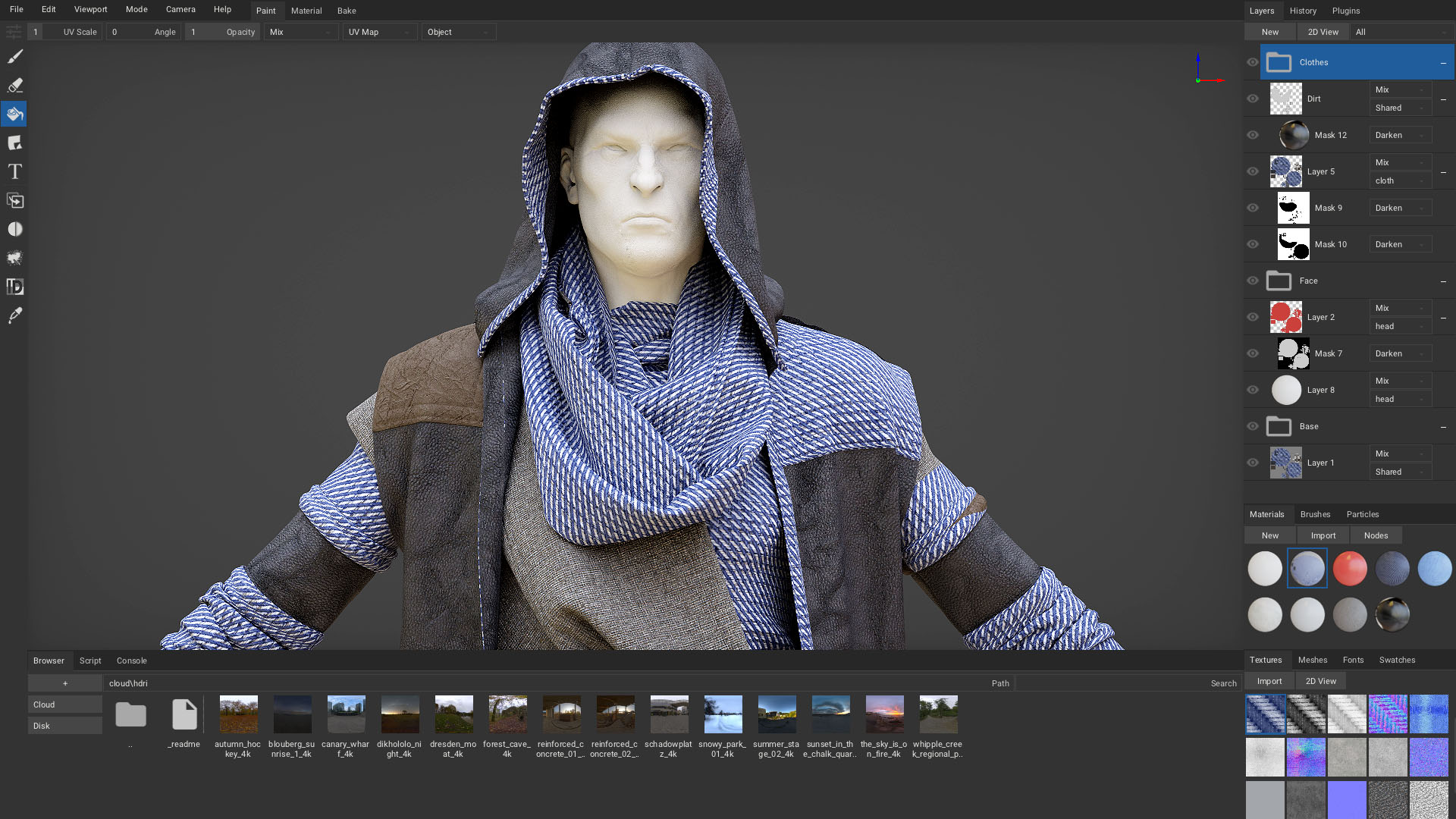
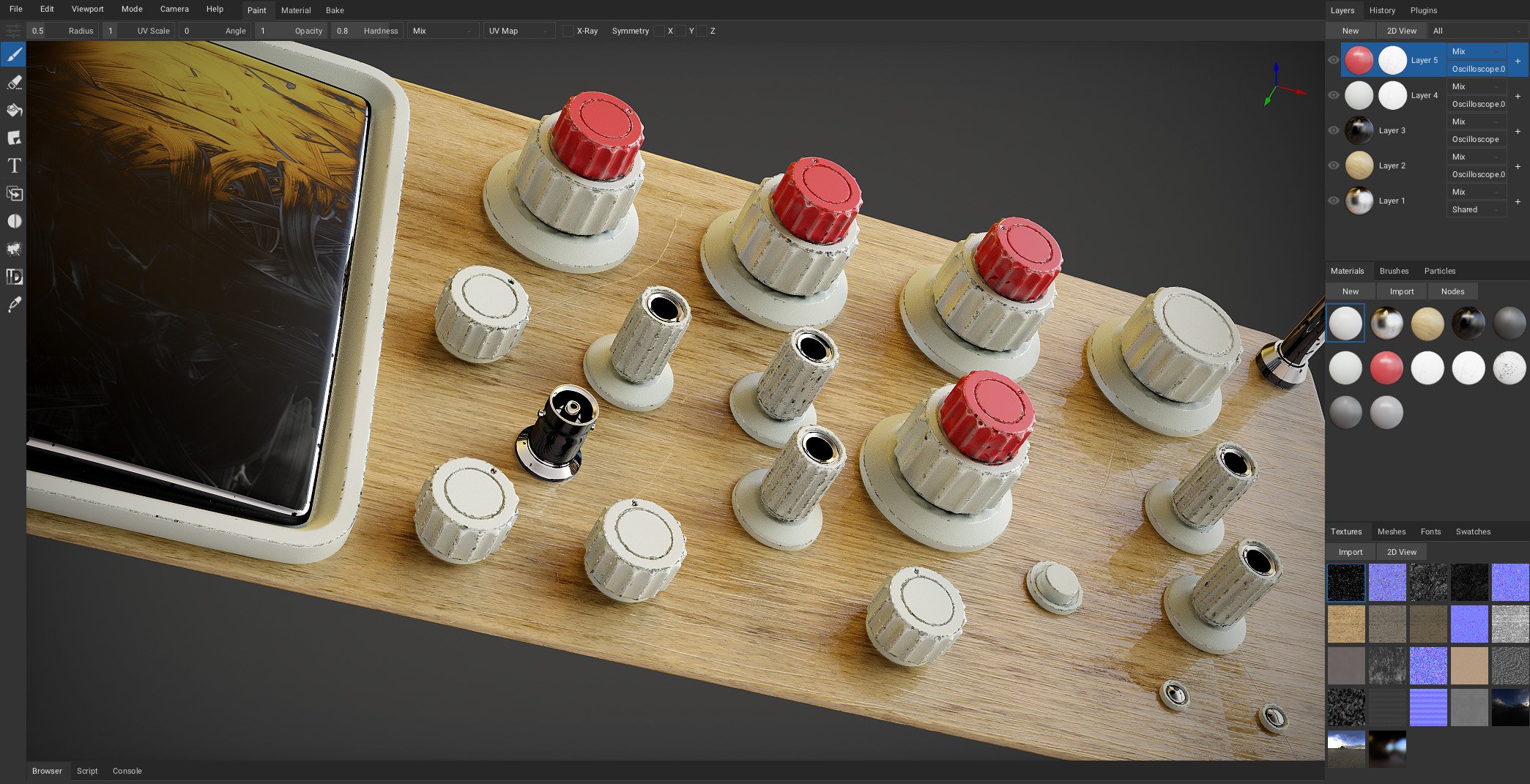
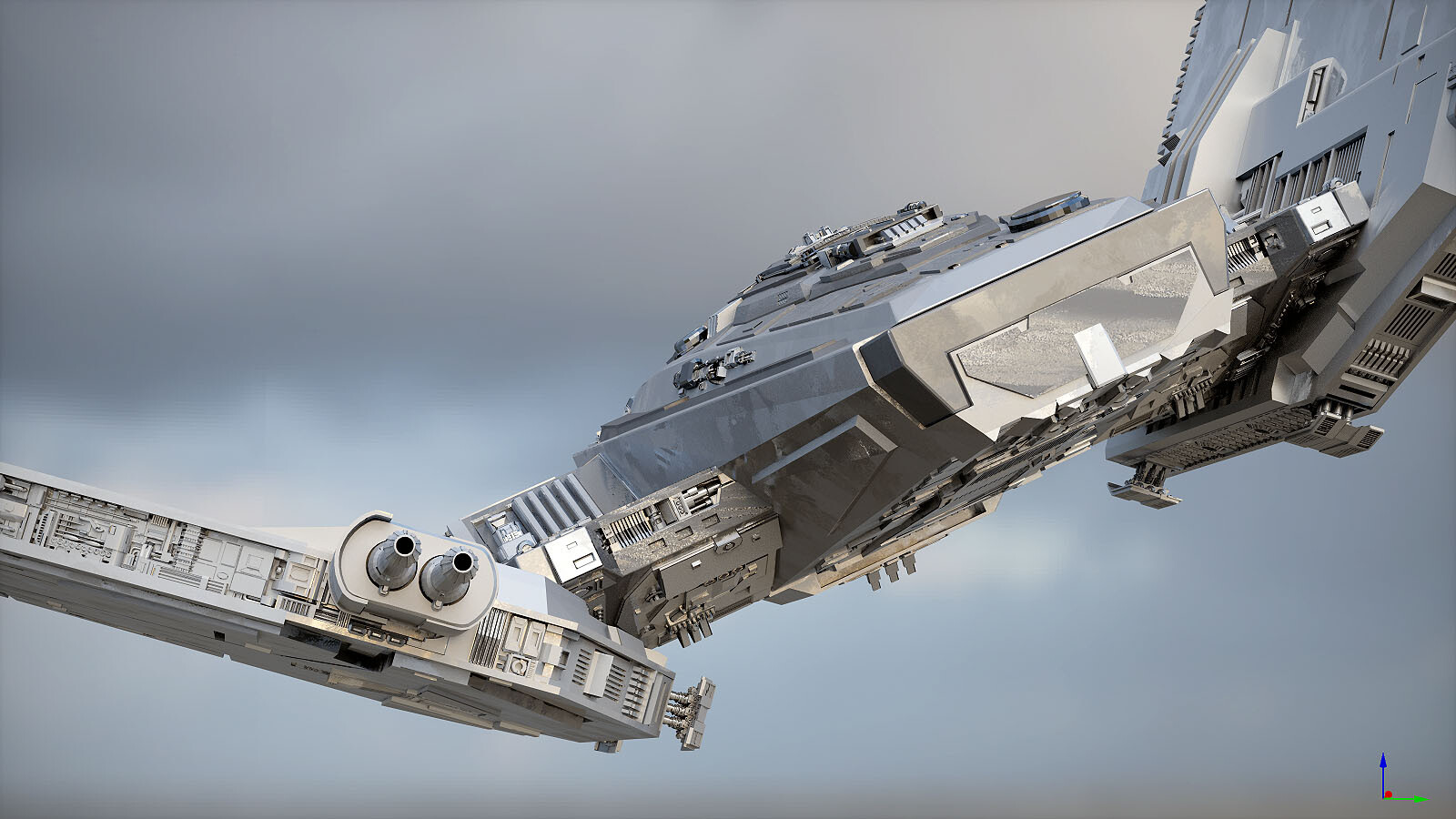
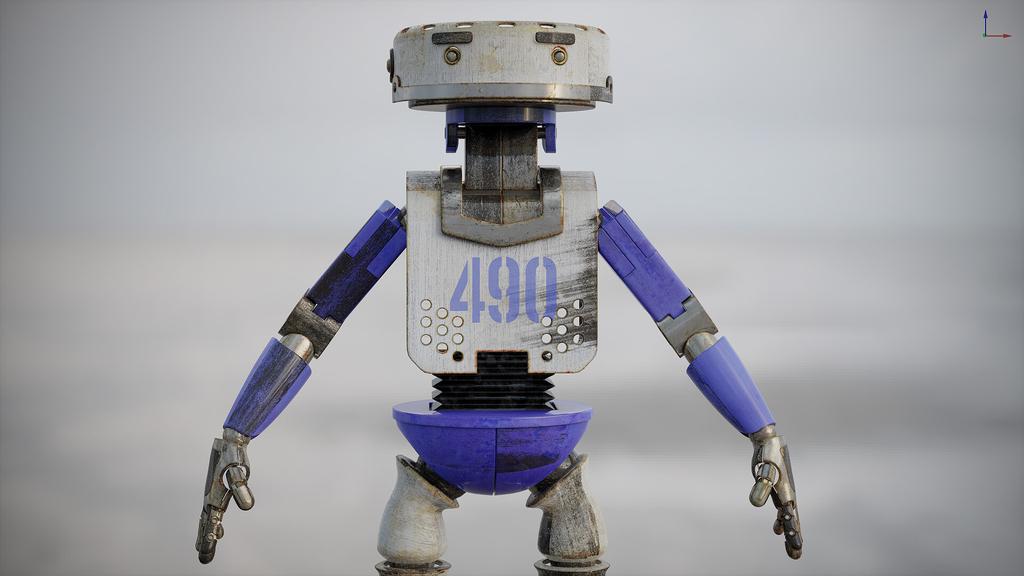
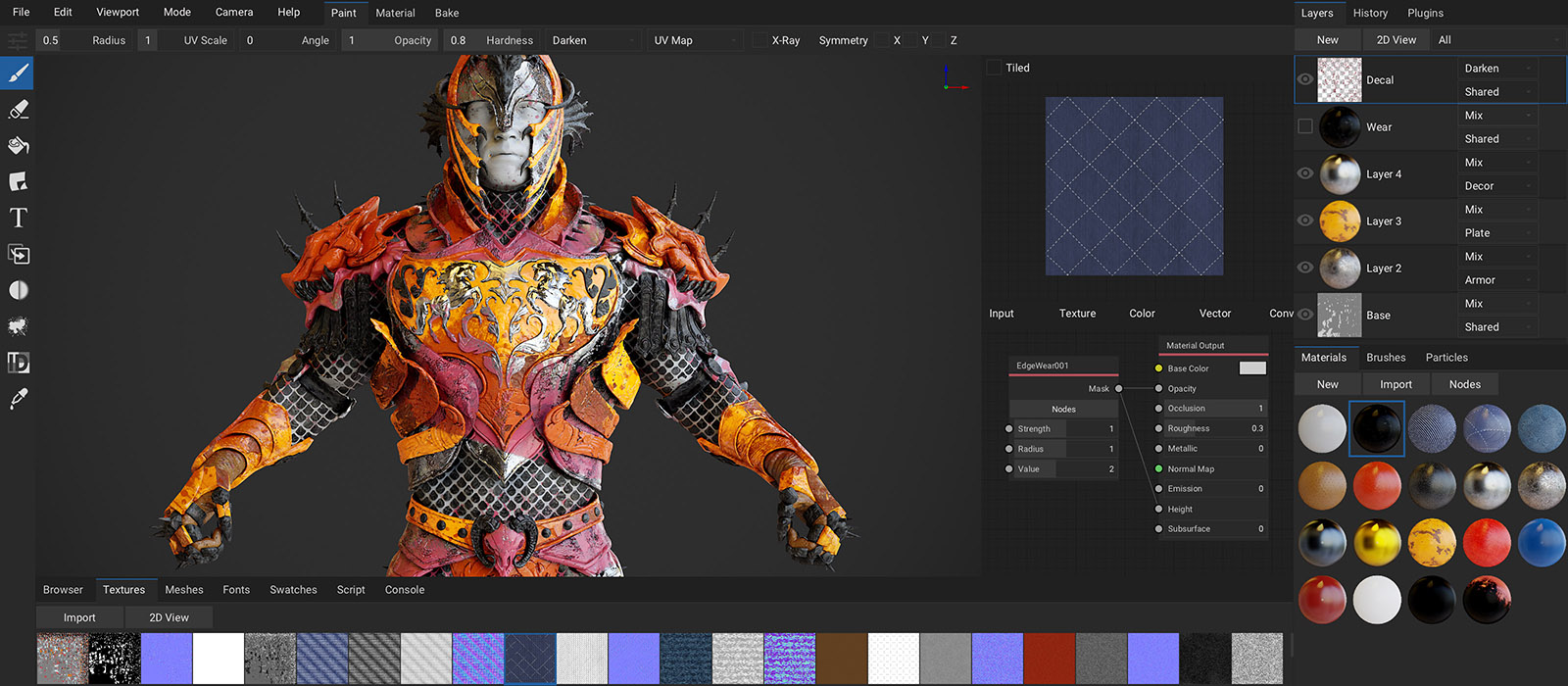
This release brings the ArmorPaint cloud, ray-traced rendering and baking, refined UI, decal layers, unlimited masking, edge wear materials and many more improvements to the painting experience. You can check the list below or examine the commit history on GitHub.
While many new features are added, the main focus of this release is the stability, bug fixing and even better performance. I have had an amazing time developing ArmorPaint 0.8 and can not wait to continue onto 0.9. Thank you for making the project thrive.
Download ArmorPaint | Build from Source
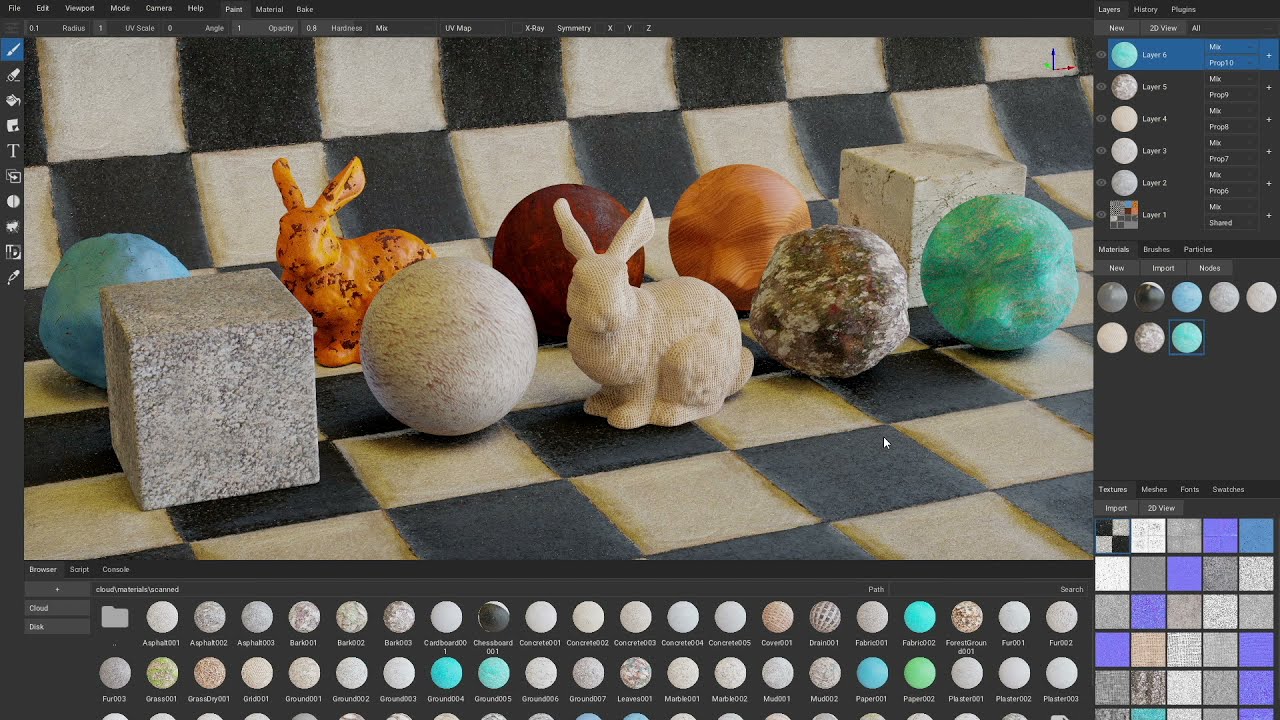
- Added ArmorPaint Cloud at ‘Browser tab - Cloud’ - built-in online asset library
- Added iPadOS build to the App Store
- Added Android build to Google Play
- Added support for unlimited masks per layer
- Added support for mask blending
- Added ‘import_svg’ plugin - support for .svg format
- Added ‘import_usd’ plugin - support for .usdc format
- Added support for importing and exporting keymaps
- Added ‘Preferences - Show Asset Names’ option
- Added ‘Preferences - Wrap Mouse’ option
- Added ‘Menu - Camera - Zoom in/out’ operators
- Added support for grouping layers
- Added support for setting group opacity
- Added support for node groups
- Added support for packing layer textures
- Added Browser tab to status bar
- Added Script tab to status bar
- Added Console tab to status bar
- Added Fonts tab to status bar
- Added brush radius increase and decrease shortcuts
- Added ‘Bake tool - Vertex Color’ baker
- Added stencil mask support via brush nodes
- Added lazy mouse support via brush nodes
- Added directional brush support via brush nodes
- Added ‘Random’ brush node for creating jitter
- Added ‘Preferences - Usage - Live Brush Preview’ option
- Added Theme tab to preferences
- Added localization support
- Added shortcut for swapping brush and eraser
- Added shortcut for hiding stencil
- Added ‘Preferences - Pen - sensitivity’ option
- Added ‘Preferences - Interface - Camera Speed’ option
- Added ‘Preferences - Interface - Direction to Zoom’ option
- Added ‘Preferences - Interface - Restore - Import…’ option for importing config file
- Added ‘Preferences - Usage - Default Workspace’ option
- Added ‘Preferences - Usage - Dilate’ option
- Added ‘minecraft’ and ‘unigine’ export presets
- Added ‘Material’ workspace for composing and exporting materials
- Added ‘Bake’ workspace for texture baking
- Added option to bake material into textures
- Added option to export layer mask into file
- Added ‘Mobile’ renderer option to ‘Preferences - Viewport’
- Added font previews to Fonts tab
- Added ‘hello_node_brush’ plugin - custom brush node
- Added ‘viewport_celshade’ plugin - custom viewport shader
- Added ‘texture_breakdown’ plugin
- Added ‘tiled’ option to 2D view
- Added ‘rotate_envmap’ operator
- Added layer and mask clear operators
- Added mask invert operator
- Added ‘File - Open Recent…’ list
- Added ‘File - New Project… - Aspect Ratio’ option
- Added ‘File - Reimport Textures’ operator
- Added new toolbar icons (courtesy of Sven Möller)
- Added ‘Material’ node - reference other materials inside material
- Added ‘Curvature Bake’ node - access curvature in material nodes
- Added support for Vulkan
- Added experimental VKRT (Vulkan raytracing) build for Linux
- Added live preview of the selected node in node editor
- Added fill masks
- Added decal layers
- Added ‘Warp’, ‘Shader’, ‘Script’ material nodes
- Added ‘Picker’ material node
- Added decal mask feature - hold ctrl to use decal as brush mask
- Added ‘Menu - Viewport - Toggle Fullscreen’
- Added ‘Atlases’ tab to texture export
- Added ‘Open Containing Directory…’ button to textures tab
- Added visibility control to Meshes tab
- Added option to pack assets into .arm file when exporting materials or brushes
- Added Swatches tab
- Added ‘Meshes tab - Geometry to Origin’
- Added normal and height blending for layers
- Added ‘Preferences - Usage - Default Layer Resolution’ option
- Added color space option for texture export
- Added directional (smudge) option for blur tool
- Added ‘UV Island’ fill mode
- Added drag and drop support on iOS and Android
- Improved utf8 path handling on Windows
- Improved viewing individual layer channels in 2D view
- Improved error logging
- Improved ray-tracing performance, reduced memory usage
- Improved path-traced viewport mode
- Improved brush radius scaling using a pen
- Improved painting in 2D view
- Improved layer management
- Improved command line arguments
- Improved touch input
- Improved color wheel (RGB, HSV, Hex input)
- Improved opacity handling for fill layers
- Improved ‘Blur’ material node
- Improved paint dilation
- Improved ‘Parse Transforms’ option for .fbx format
- Improved .obj exporter
- Improved ‘Bump’ material node
- Improved nodes undo
- Improved interface layout
- Fixed clone tool usage in 2D view
- Fixed network path handling on Windows
- Fixed running from protected path on Windows
- Fixed parsing of input sockets for custom nodes
- Fixed 3D cursor positioning when normal map is painted
- Fixed per-layer channel visibility
- Fixed emission channel export
- Fixed decal edge filtering
- Fixed setting a mouse cursor on Linux
- Fixed saving font assets in project file
- Fixed support for non-square decals and stencils
- Fixed importing geometry containing concave polygons
- Fixed distract-free mode UI align
- Fixed color space management for image nodes
- ‘Paint’ tab is now ‘3D View’ tab
- Use drag and drop to reorder layers
- Use vertical tabs in preferences window
- Use vertex colors in materials via attribute material node
- Import vertex color data via .fbx and .blend formats
- Import and export for brushes
- Import brush from texture
- Draw brush preview icons
- macOS builds are now signed
- macOS builds are now powered by Metal
- macOS builds are now universal (arm64 + x64)
- macOS retina support
- Initial VR support
- Initial support for high refresh rate displays
- Display asset name in tooltip
- Faster envmap import
- Save camera in project file
- Double click to rename layer
- Atlases will show up in mesh filters
- Scripting / expressions for UI value input (‘4.4 * Math.PI’)
- Sleep when window is inactive
- Auto-enable plugin on associated file import
- Remember window layout
- Base layer acts like regular layer
- Multi-pass layer draw - show up to 256 layers in viewport at once
- Show checker background for transparent layer
- Show .arm material previews in Browser tab
- Show uv map of selected object in 2D view
- Check out Blender live-link
- Check out Maya live-link