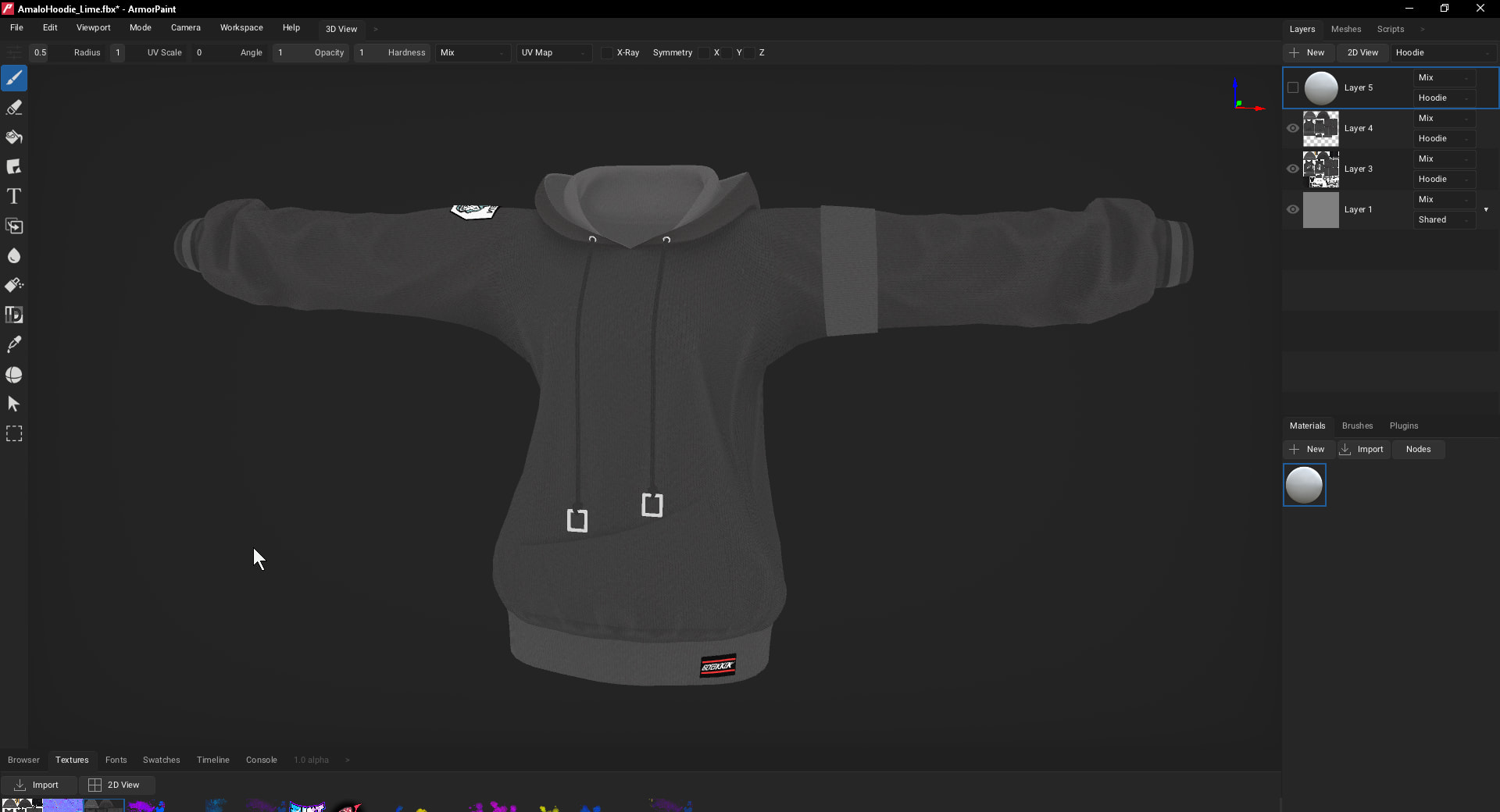
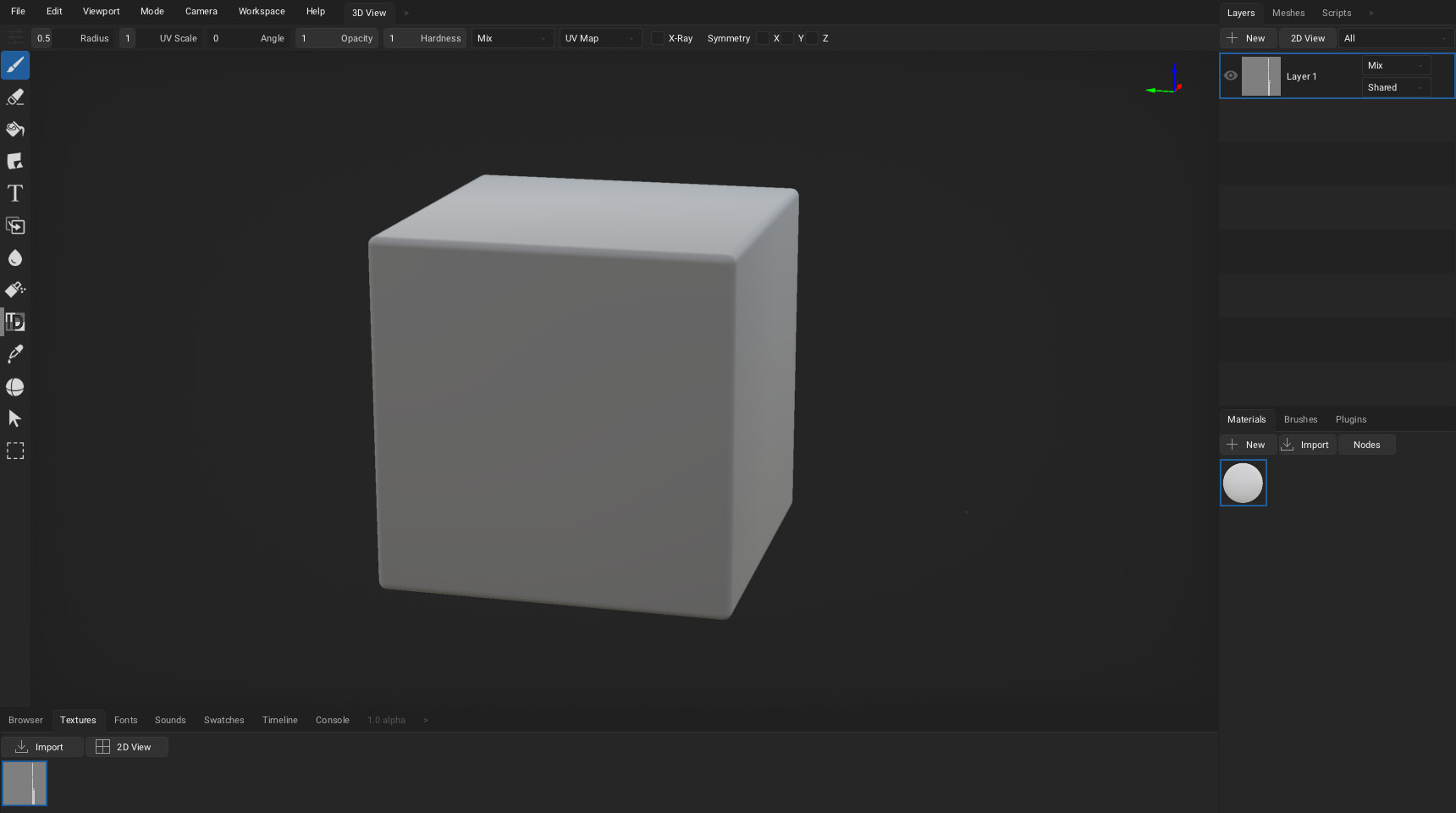
i have a model of a hoodie, and i’d like to place some decals on it (i’ll try that out with the already made How-Tos), however, there are drawstrings blocking the front of the hoodie. Is there any clean way i could temporarily hide them without editing the model directly? I know where they are on the texture file, so I could attempt this by masking them out, for example
If drawstrings are not a separate object which can be hidden in Meshes tab, then one other way to do it is this:
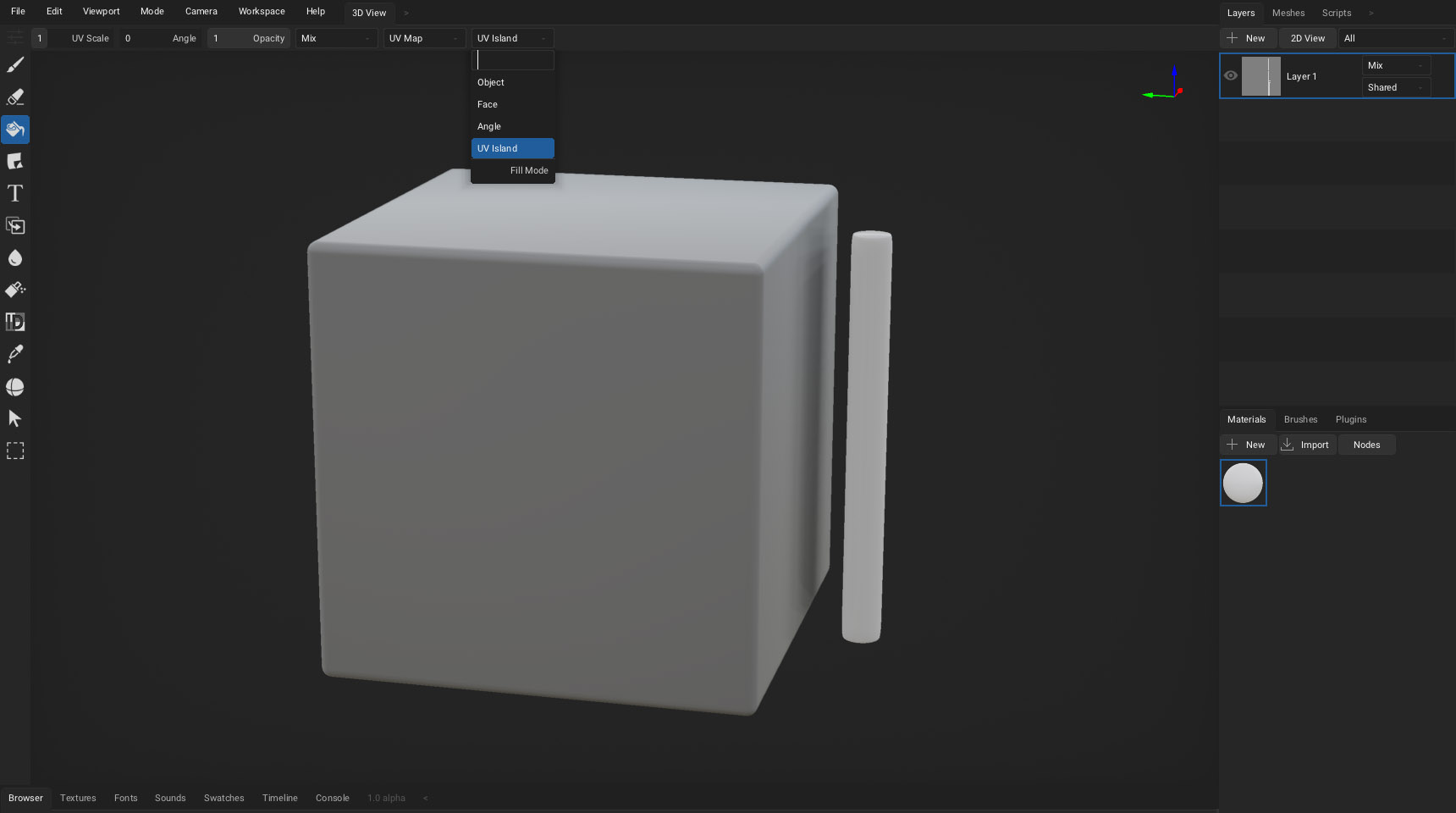
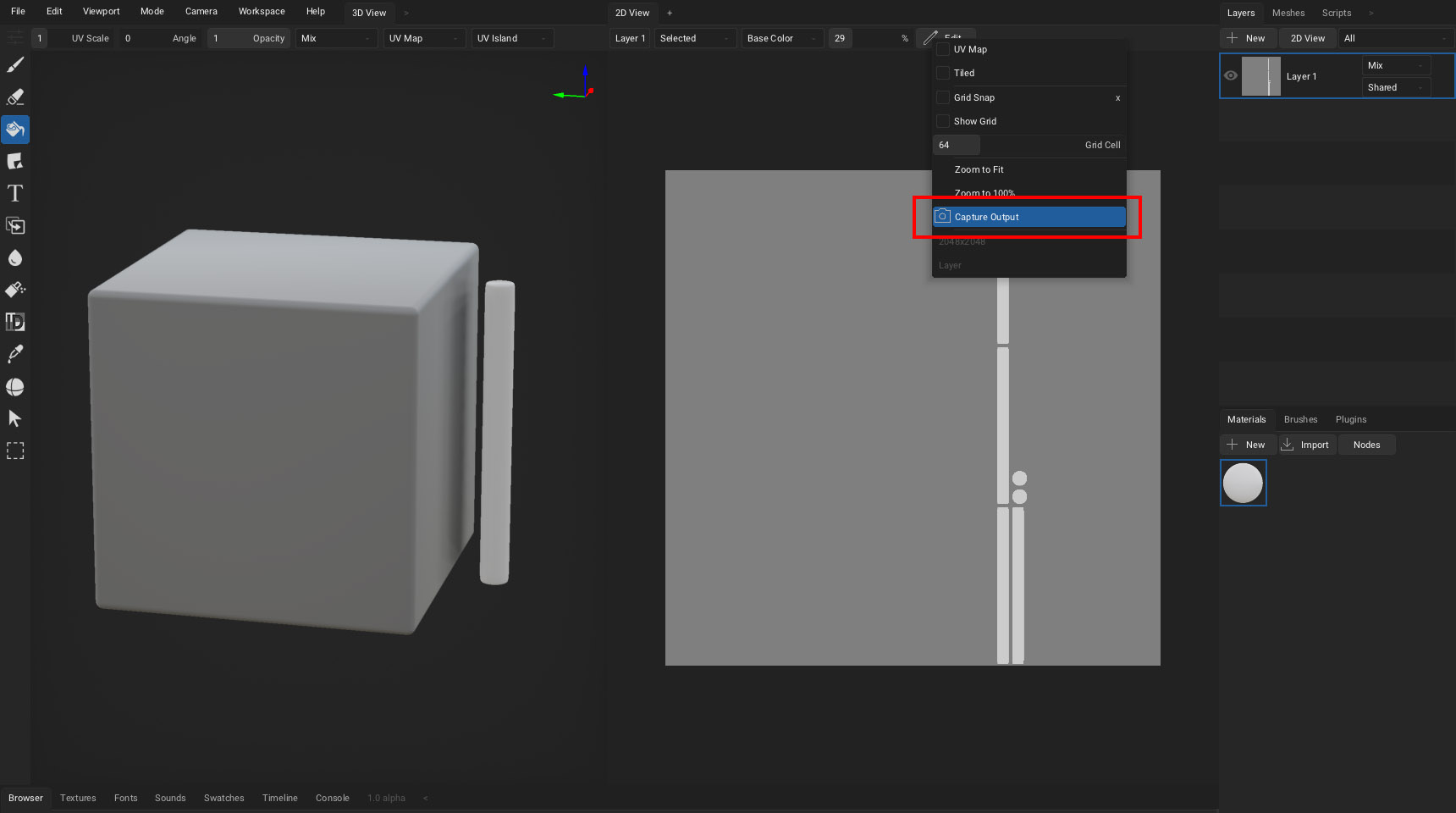
Paint the drawstrings to mask them. It can be done via a paint brush like usual, or if they are on a separated UV island then one quick way is to select the Fill tool and use UV Island mode.
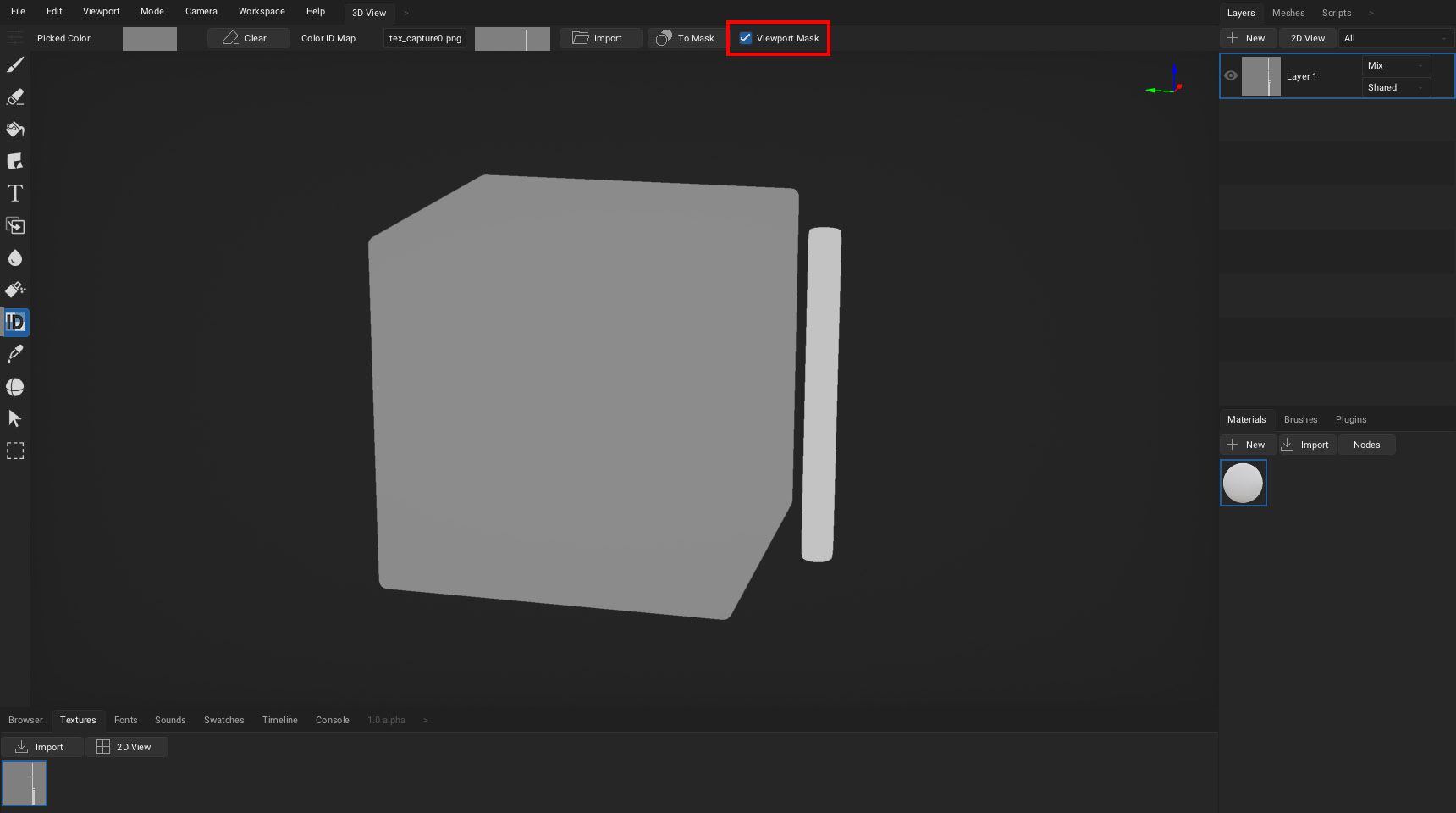
Select Color ID tool, assign the mask as a Color ID Map, click on the hoodie (in my case I clicked on the cube instead of cylinder) and enable the Viewport Mask option.