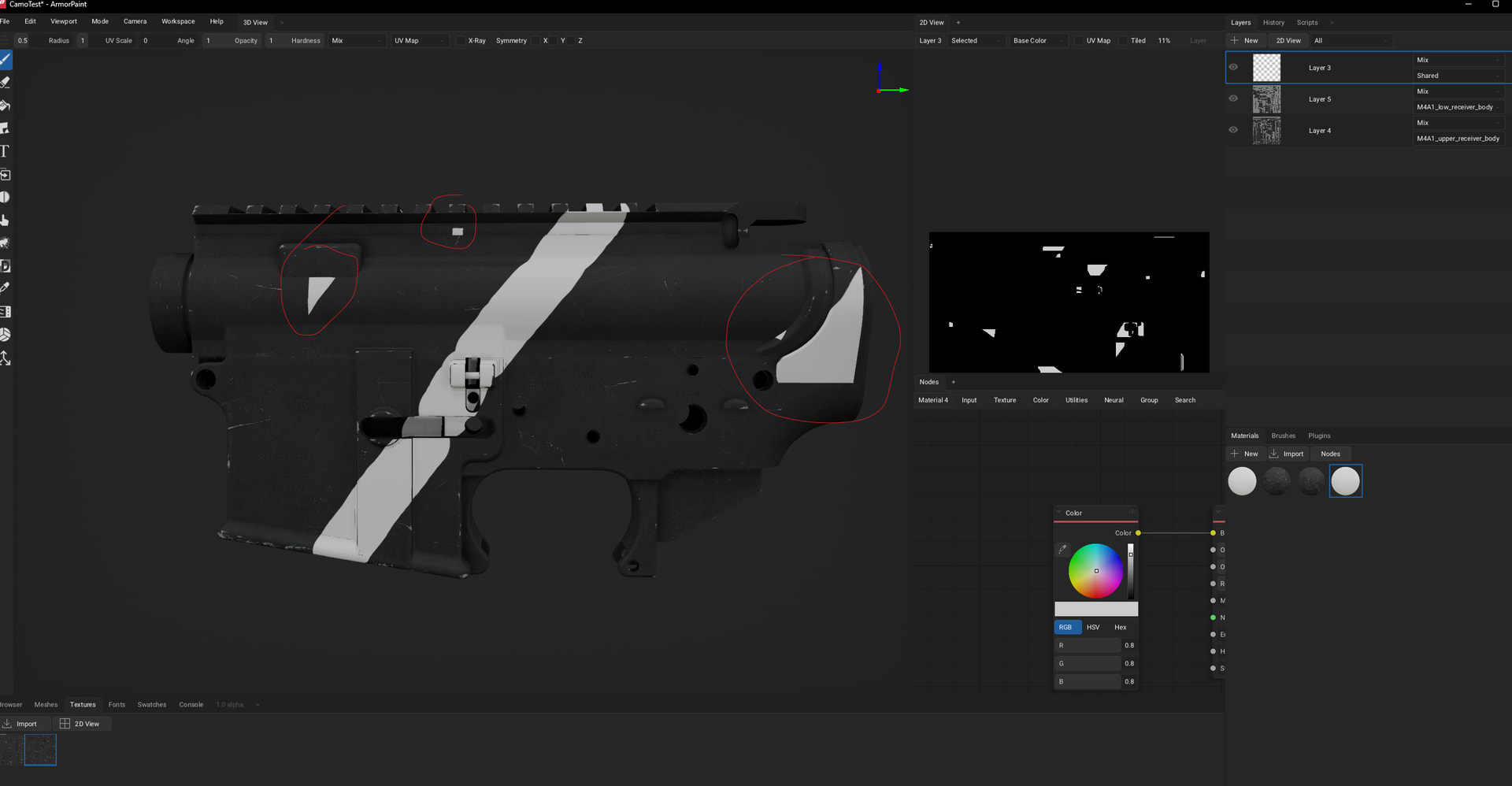
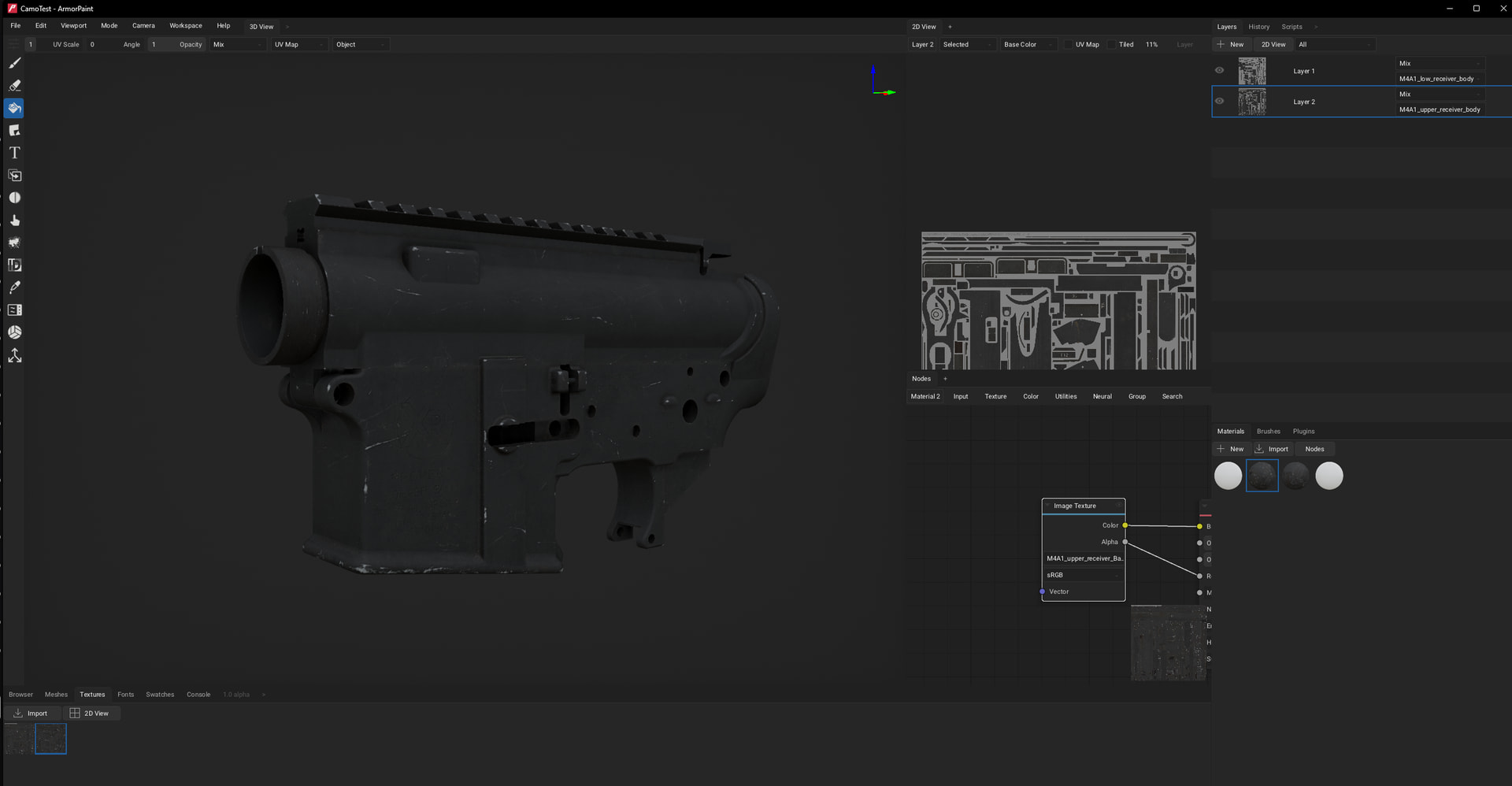
Hey, just bought Armor paint and after playing around for a bit i’ve hit a snag. Im trying to paint 2 objects that join together, when painting across the join it begins artifacting. Is there a way to stop this? Thanks!
Hi!
How is the mesh unwrapped? It looks like the objects have overlapping faces on the UV map? If that is the case it could be fixed by unwrapping all objects onto a single UV map.
For simple models unwrapping can be done directly in ArmorPaint by using the Meshes tab - Edit - UV Unwrap button. Since this updates the mesh data itself, the mesh needs to be exported out of ArmorPaint as well, not just the painted textures.
Thanks for the reply!
I’m working on a modular weapon, so it will be a bunch seperate meshes with their own UVs that come together in game to become one item.
Im trying to create a camouflage texture that lines up correctly across all the objects, like tiger stripe for example. I was hoping I could load all the meshes at once and paint them in one go.
Is there any way to do that?
I’m working on a modular weapon, so it will be a bunch seperate meshes with their own UVs that come together in game to become one item.
Makes sense!
There is one way which could help:
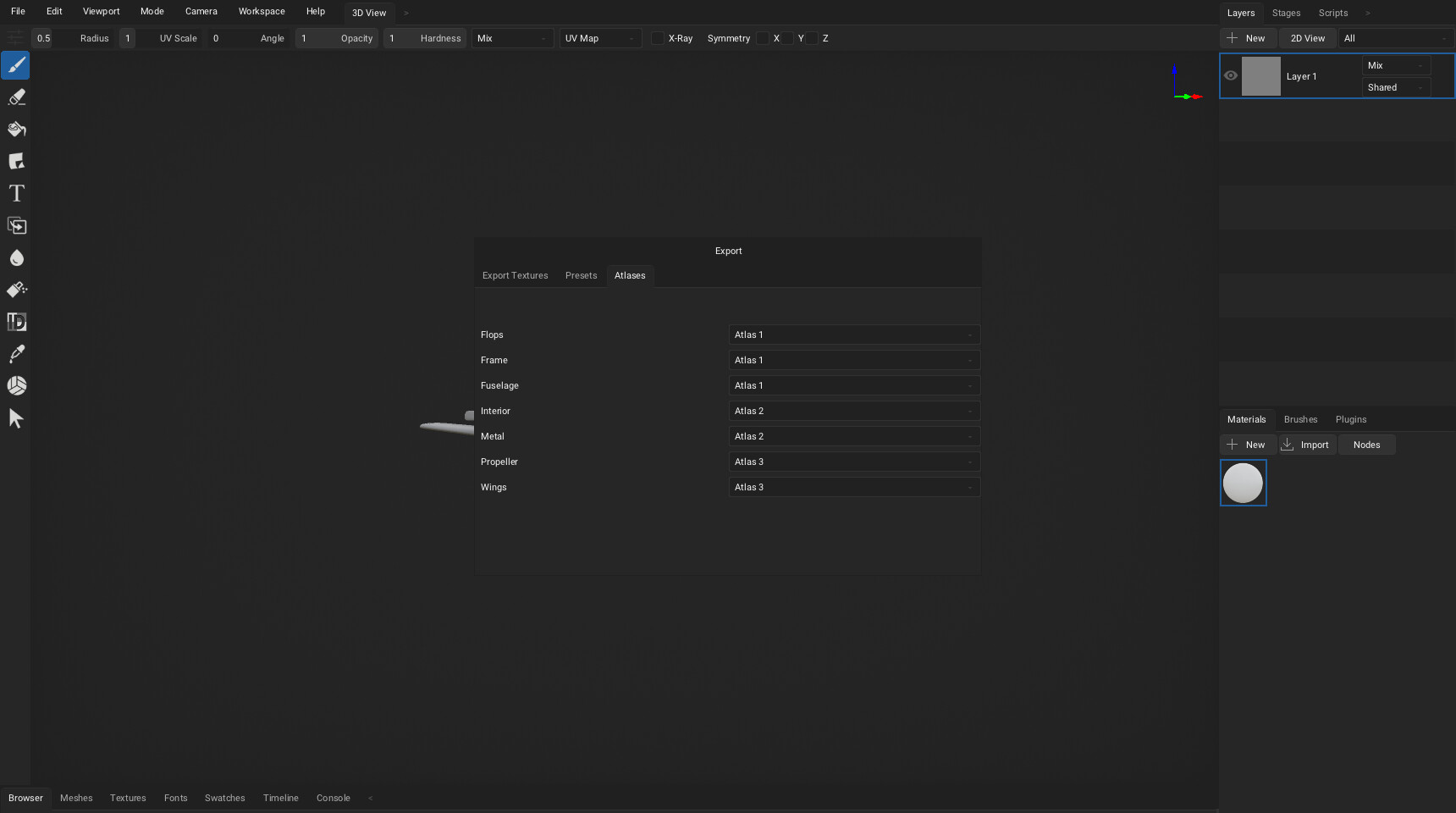
In the File - Export - Textures... dialog, there is an Atlases tab. Multiple objects can be grouped together there as needed, so you could group objects which share the UV map (or just have 1 object per atlas).
In Layers tab, you can assign atlases (object groups) to layers.
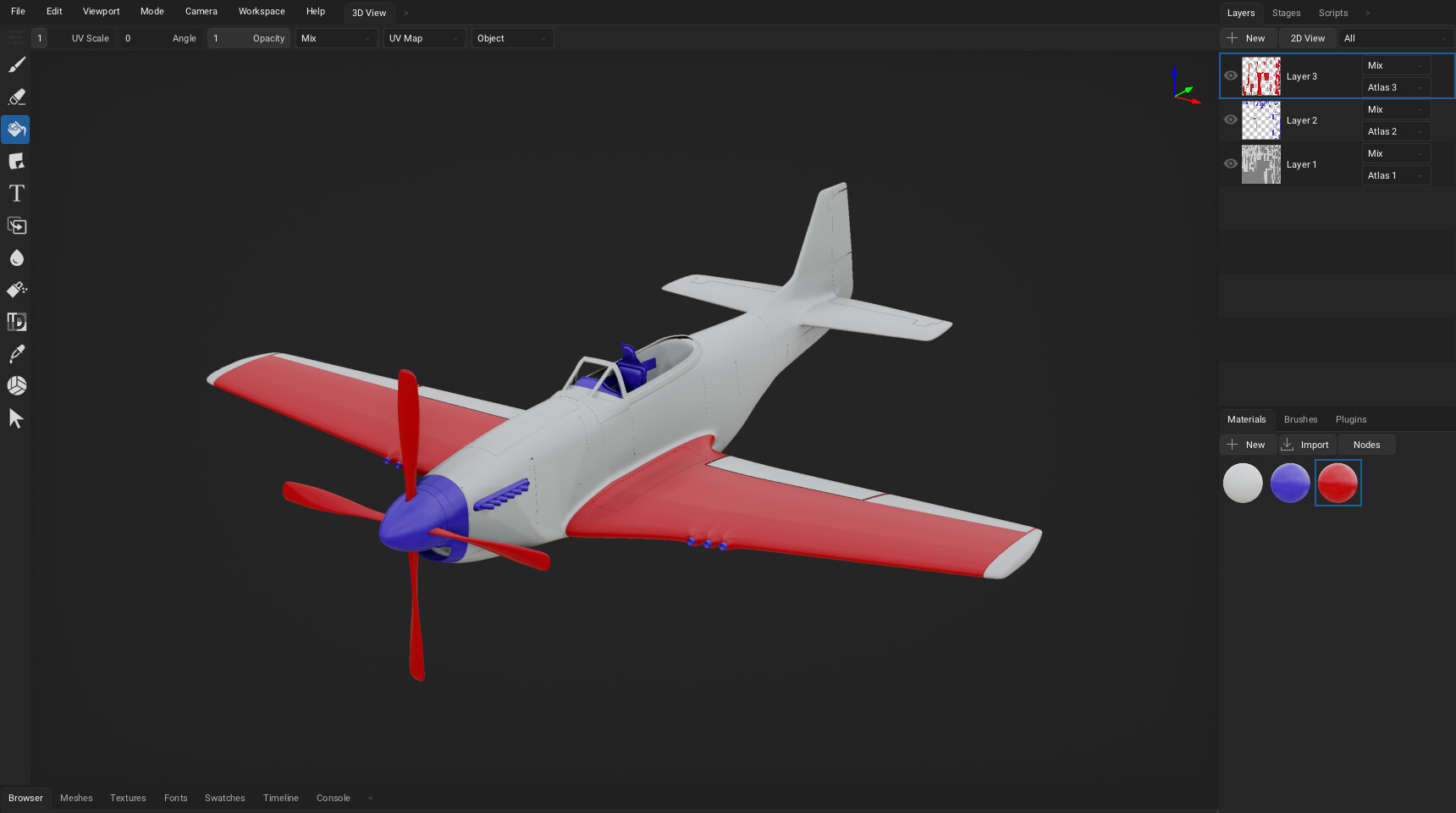
Now when you export textures, you will get multiple texture sets, one for each atlas.
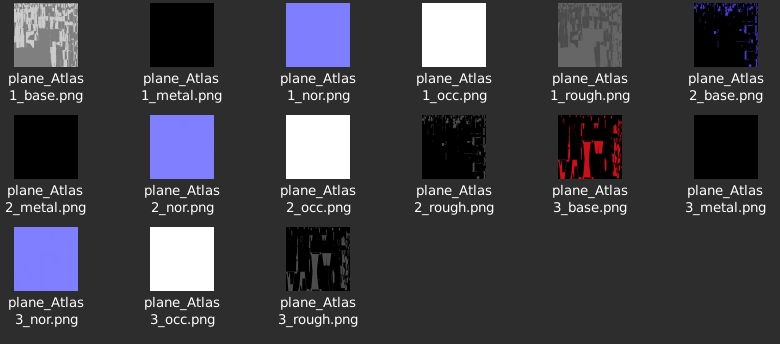
With this approach you still need to assign atlases to layers (instead of using Shared object), but at least the export should work properly.