Bug: UV Mapping

Hello!

I just bought ArmorPaint today, but have been having some issues.

I ultimately went down to trying to paint a simple box. In this YouTube video, you can see the steps taken - showing the UV map, export, and subsequent failure inside ArmorPaint.

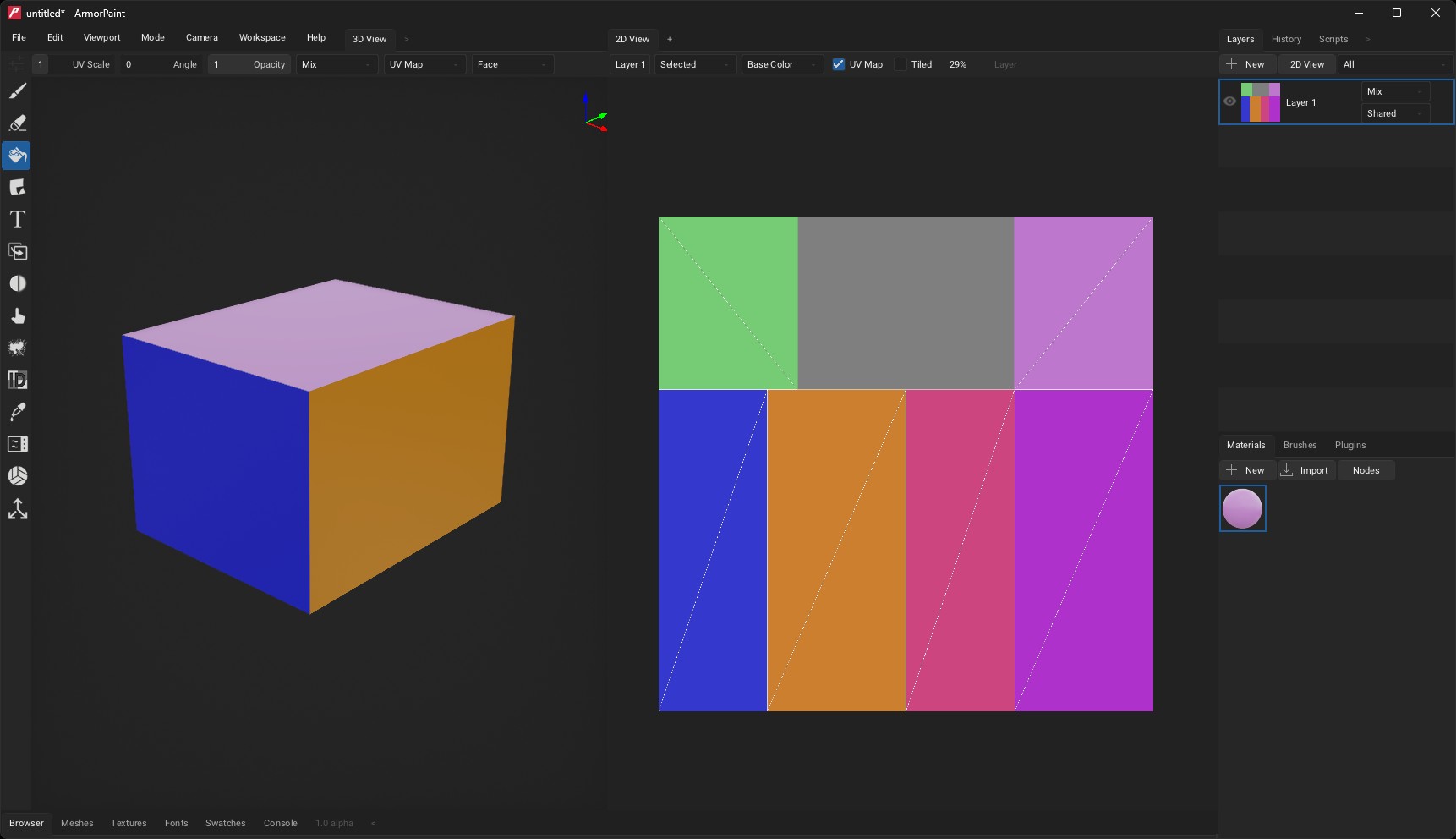
When I turned on the UV Map in ArmorPaint, it looks like was not imported properly:

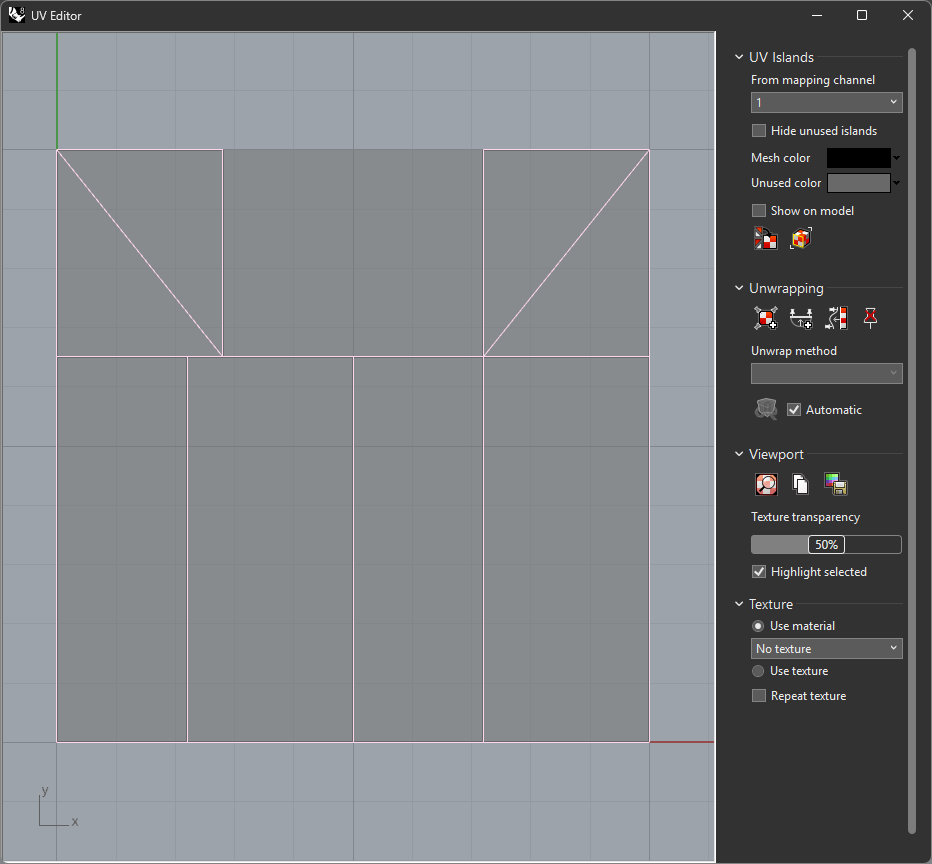
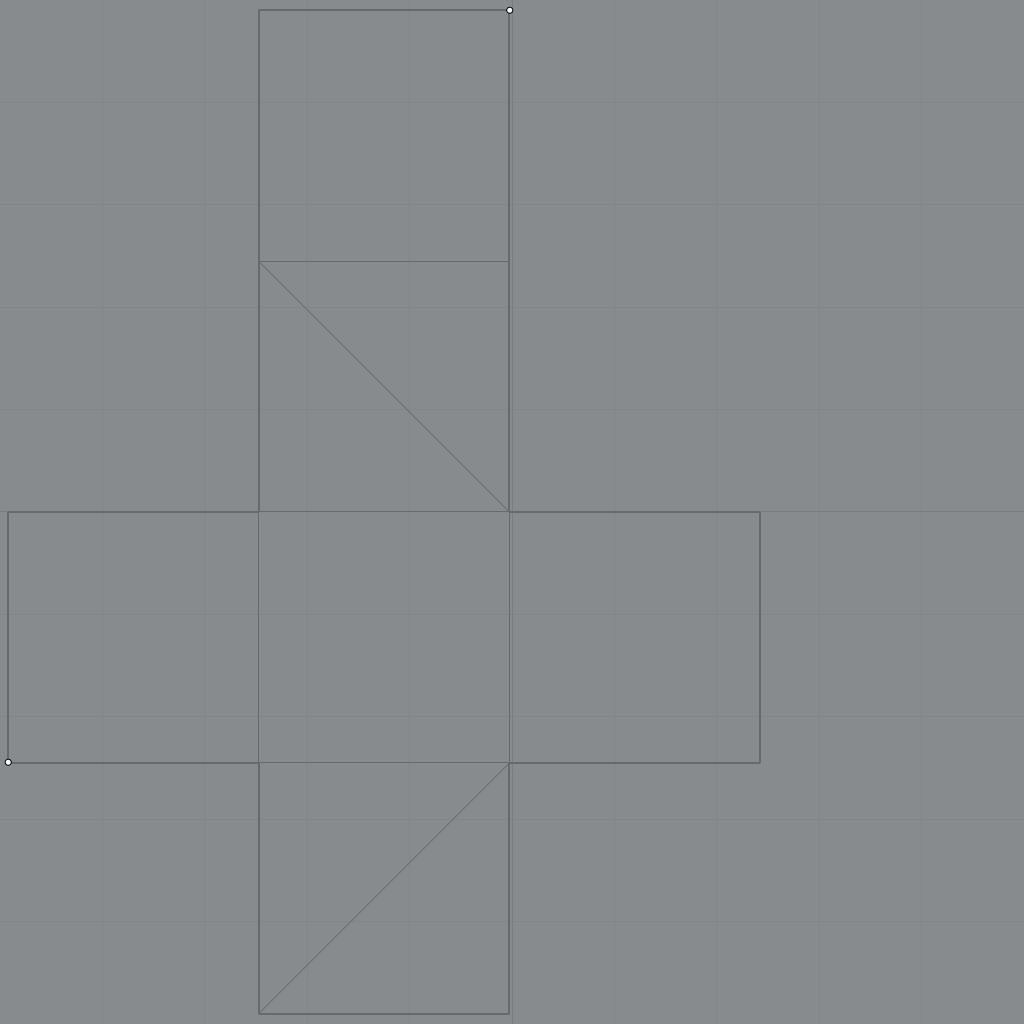
Here’s the map from Rhino 3D:

Any assistance would be appreciated!

Hi!

Many thanks for reporting the issue. Could you please share the .obj file? I will investigate and fix the parser asap.

I tried to install the rhino trial version, managed to create a simple cube and export it, but the one I got is not triggering the bug unfortunately.

Looks like the forum isn’t letting me post the rhino or obj file.

I’ve uploaded a zip containing both to here. Let me know what else I can do to assist troubleshooting.

Thanks for the help!

-Jason

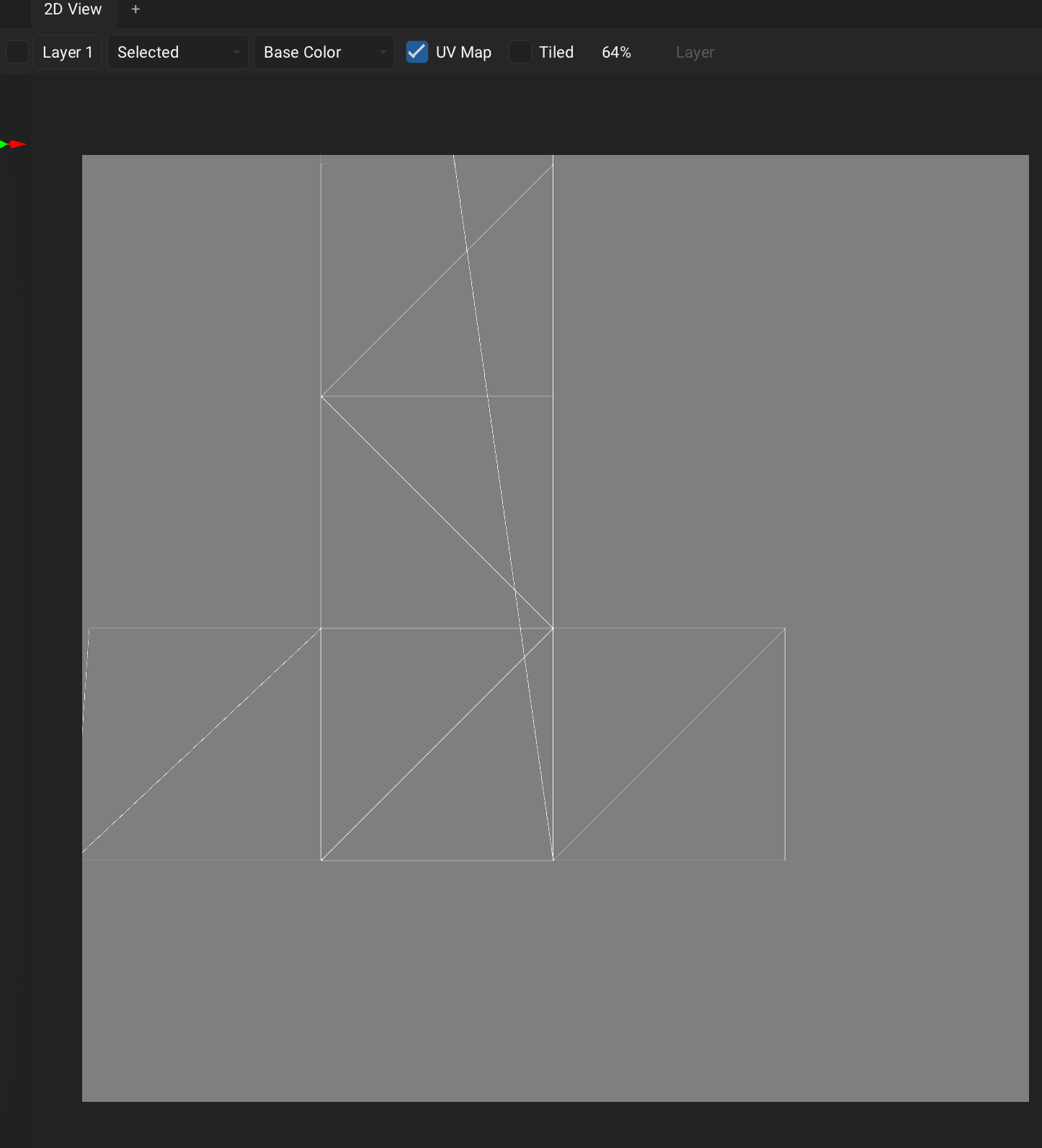
That helped a lot! It should be fixed now, and I have also updated the binary builds. Thanks again!

1 Like

Excellent! Will give it a test a little later.

Out of curiosity, what was the issue? Was there anything on my end I could have done better/should keep in mind?

Thanks!

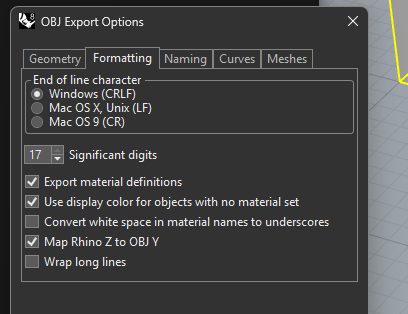
Oooh, was it because of the significant digits?

Yes, armorpaint uses its own .obj parser so it is easier to optimize for me - but sometimes unhandled cases like these still pop up. So it’s great that this issue was discovered and I could fix it!
1 Like